
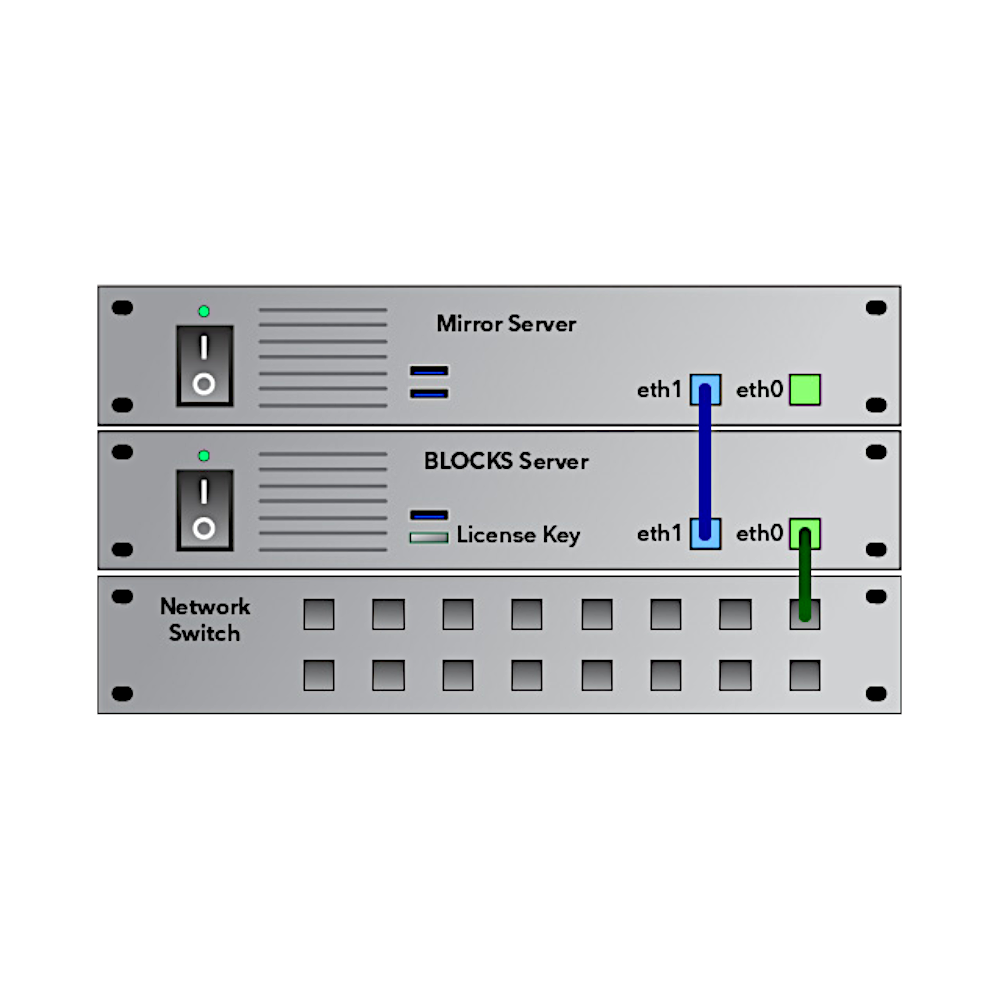

Pixilab - Server function: Security mirroring of server
€1,666
Server mirroring is a security measure where a backup server mirrors all content from the Pixilab server. Should the regular server break down, you can be up and running again in a few minutes.
- Fast Deliveries!
- Any Questions? We will help you!
- Multiple payment options!
- BrandPIXILAB
Description
Article no.: 622-0130
Mirroring Service
This page is available if your license includes the Mirroring Service option. It shows the mirroring status, such as whether the
mirroring server is connected, when the last synchronizations were performed, etc.
This page is available if your license includes the Mirroring Service option. It shows the mirroring status, such as whether the
mirroring server is connected, when the last synchronizations were performed, etc.
- Mirror Connected states whether the mirroring service connection has been established.
- Last Full Sync. Time when the last full sync was performed. This is performed at the moments specified in Blocks’ configuration file, or when pressing the "Synchronize Now" button. A full sync means that all pertinent files (including all files inside the Blocks Root directory) have been synchronized.
- Last Incremental Sync. Time when the most recent incremental sync was performed. Incremental syncs are performed on a file-by-file basis as you edit content and files in the Blocks editor.
- Sync Errors is incremented whenever an error occurs performing a sync operation. If this value keeps increasing after a server start, you should take a look in the mirror service’s log file, which can be found under Manage, Status and Log, Archive.
- Last Sync Error. Time when the last sync error, if any, occurred.
- Mirror Clock Offset. Time difference between the main and mirror server’s clocks. If the mirror server isn’t connected to the internet (or other clock source), its clock may drift gradually. If this difference is more than a few minutes, you should set the clock manually on the mirror server.
- Mirror Disk Space lets you check that there’s a healthy amount of free space on the mirror server’s disk. If this value dips below 10 GB or so, you should take action to rectifying this, since the mirroring will fail if the server runs out of disk space.
- That should not normally occur, since files deleted on the main server are then also deleted on the mirror server.