

Pixilab - Block license: Magazine
€745
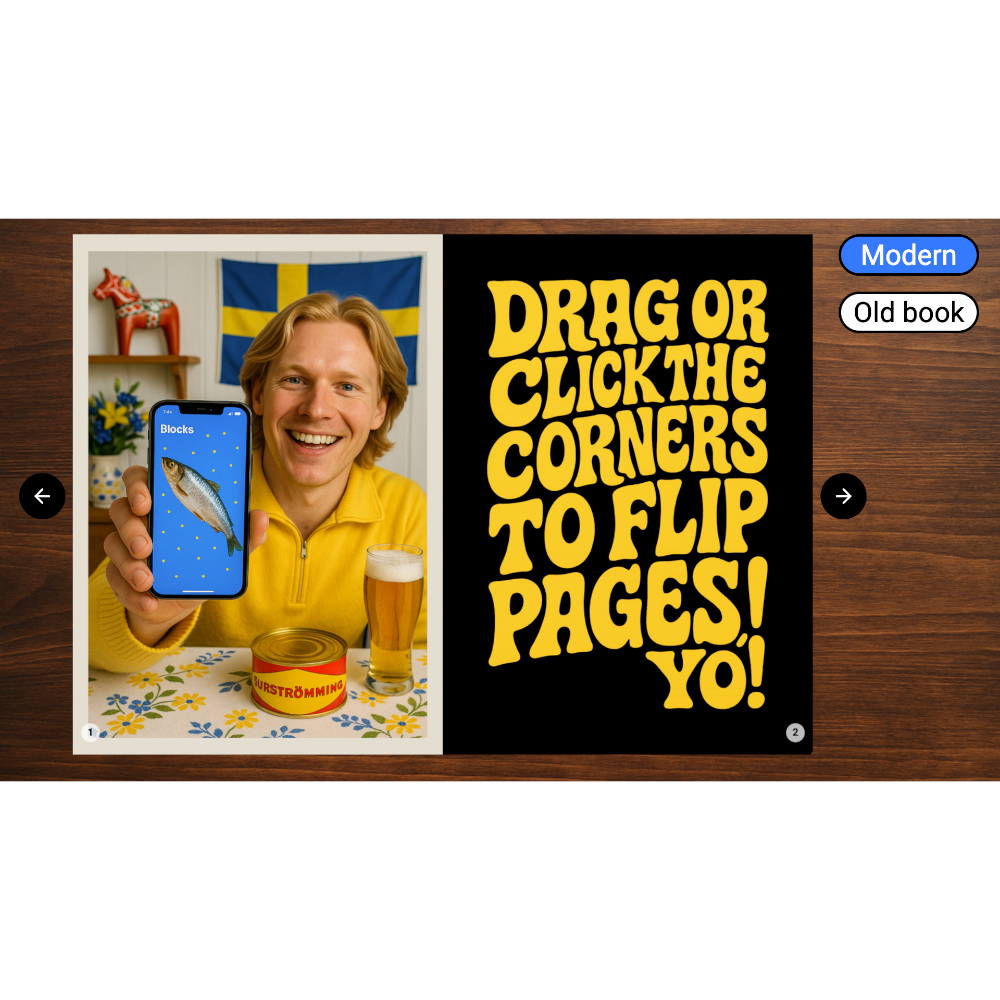
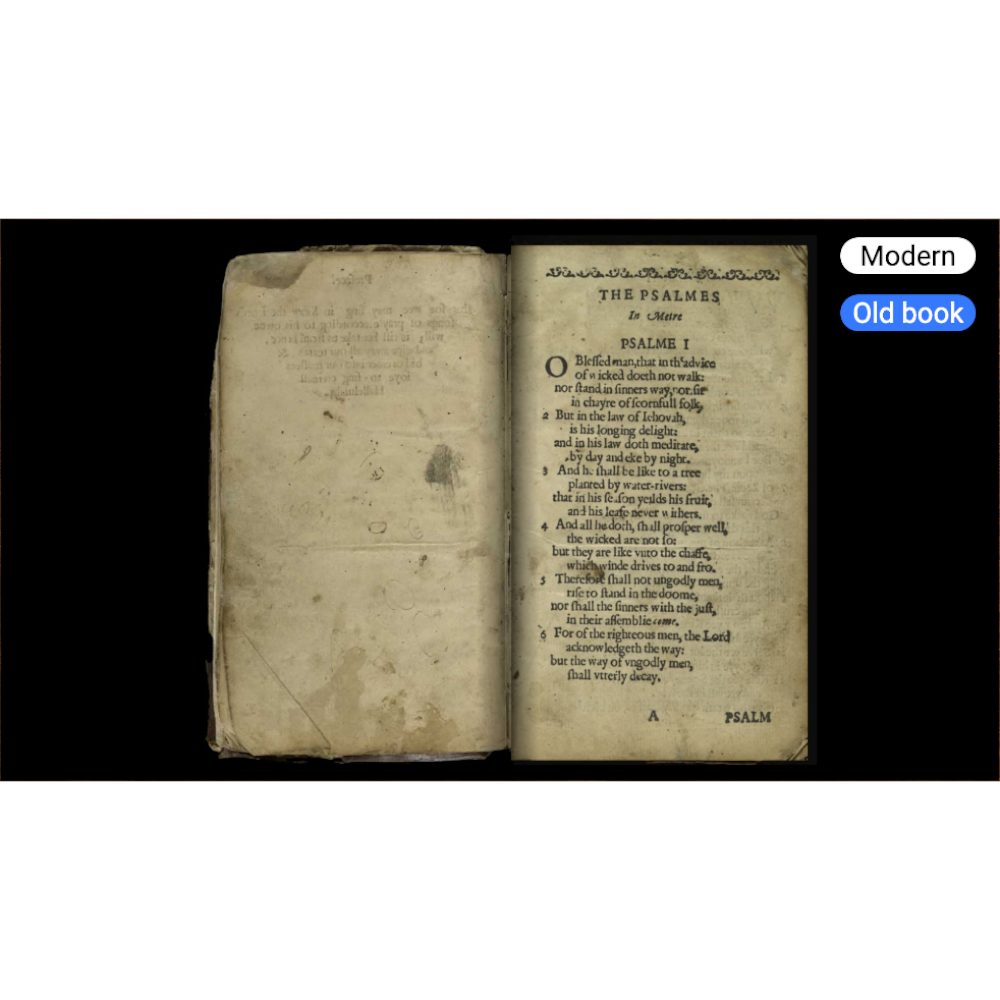
Let your visitors browse through a magazine or book.
- Fast Deliveries!
- Any Questions? We will help you!
- Multiple payment options!
- BrandPIXILAB
Description
Article no.: 622-0245
The Magazine block type displays its child blocks as pages across a two-page spread, like a magazine or book. You can turn pages manually, by dragging/tapping a page corner, or programmatically using buttons, tasks, etc.
NOTE: This is a premium block type, requiring a licens in order to be displayed.
The Magazine block has the following options:
NOTE: Keep in mind that each spread consists of two child blocks. So to use buttons or other programmatic means to flip pages, make those go forward or backwards by two pages by putting /+2 at the end of the target block path.
NOTE: This is a premium block type, requiring a licens in order to be displayed.
The Magazine block has the following options:
- Flipping Duration specifies how long each automatic page turn animation takes, in mS.
- Start Page Offset lets you start out at another page than the very first one when the Magazine appears.
- Show Cover renders the first child block as a right hand side cover page, rather than as the left hand side of the first spread.
- Rigid Pages renders the page flip animation as a "cardboard" page, rather than a soft, curly page.
- Flip by Clicking lets you flip pages by simply clicking on the next/previous page in addition to dragging its corner.
- Flip Hint Animation briefly reveals the corner of the next page to indicate it can be flipped.
- Hint Animation Interval controls the time between flip hint animations, in seconds.
- Delay after Interaction specifies how long it will take after a page flip until the hint animation starts.
- Show Page Numbers renders a page number at the bottom corner of each page, with two styling options.
NOTE: Keep in mind that each spread consists of two child blocks. So to use buttons or other programmatic means to flip pages, make those go forward or backwards by two pages by putting /+2 at the end of the target block path.